Your links, one tap away

Save a link.
Open it from the home screen.

Save links as you find them, file them into lists, and open them straight from a home screen widget that holds the whole list. Search, pin, reorder and set reminders across your whole library—stored entirely on your device, with no account to create.

The home screen widget

A surface
you never open.

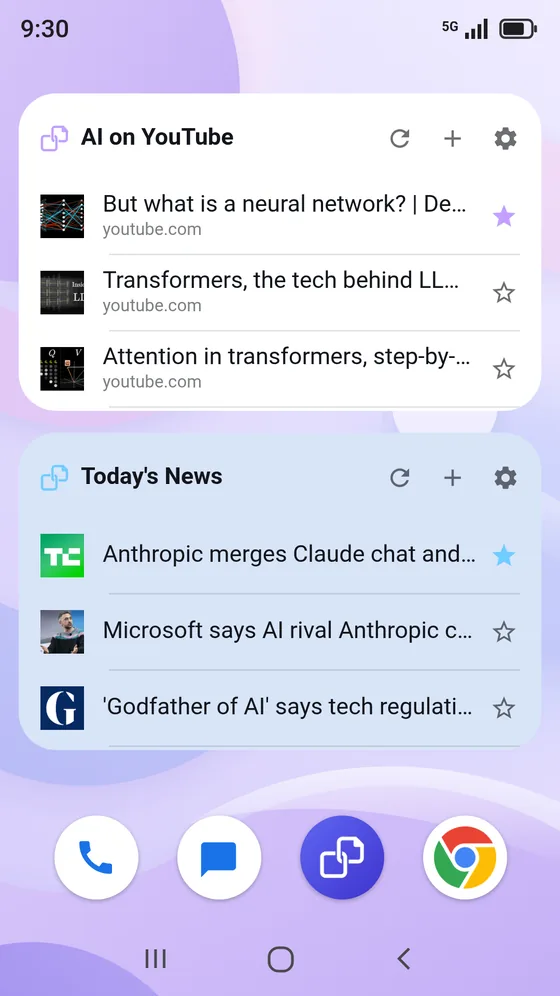
A scrolling list of your saved links, live on the wallpaper. One tap opens the page—no app launch, no bookmark folder.
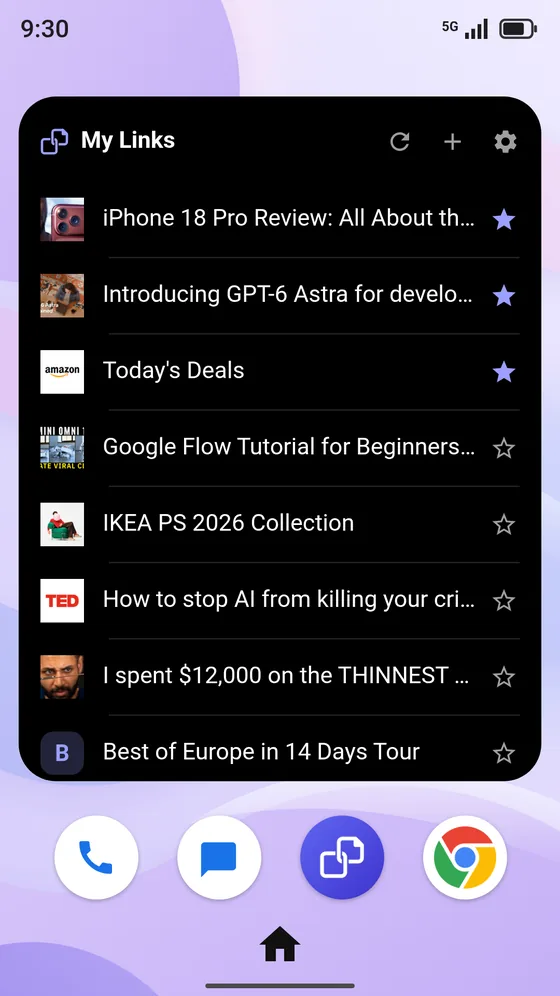
A LinkFold widget on a phone home screen, showing the My Links list with its three pinned links starred
  • A full list, scrolled in placeOne widget holds an entire list, however long it grows.
  • Sized to your home screenResize it freely on Android, or pick medium or large on iPhone and iPad.
  • Switch lists from the headerPoint a widget at a different list without reconfiguring it.
  • Act without opening the appRefresh, add a link, or pin a row straight from the widget.
  • Control where links openPer widget: in LinkFold, your browser, or the app that claims the address.
  • Always current, always offlineUpdates the moment anything changes, and redraws with no network call.
Style

Styled one widget at a time.

Each widget carries its own background, accent, density and controls—set at placement, changed any time from its header. On iPhone and iPad the widget comes in medium and large, and Edit Widget sets its list, a light, dark or automatic background, the text size, and whether addresses and the header show.

Background
Six presets, or any shade from the colour wheel.
Accent
Ten accents for stars and letter tiles, or inherit the list’s own.
Opacity · 20–100%
Solid on the wallpaper, or translucent over it.
Text size · 85–130%
Trade row count against legibility.
Show or hide
The address under each titleThe header controls
Each toggled independently, per widget.
One layout, done properlyA vertical list, at every size.No grid mode: a larger icon is not worth losing the title.
What it does

Fewer taps.
Less digging.

A widget that scrolls

Size it to your home screen, point it at a list, and tap a row to open the link. Place as many as you like—each one styled and targeted on its own.

Capture from anywhere

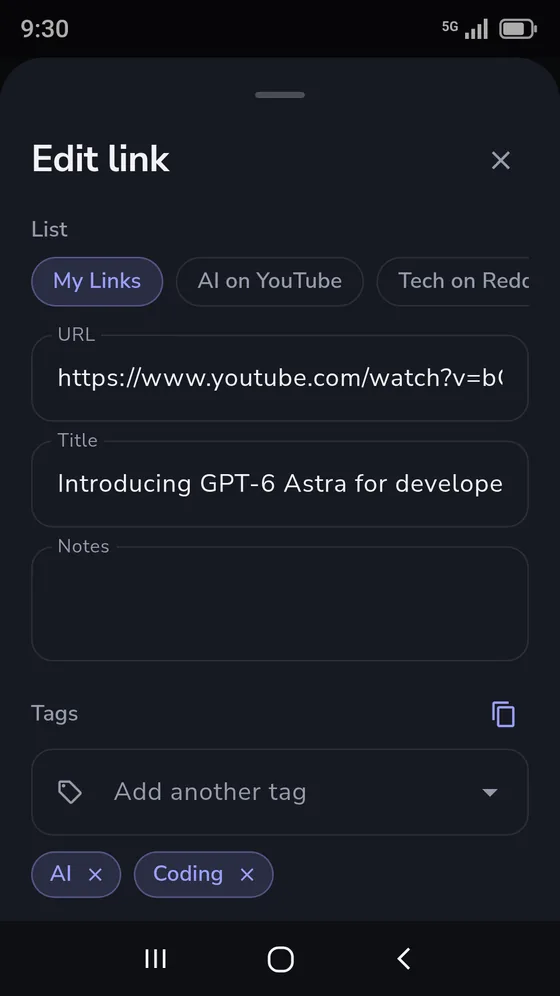
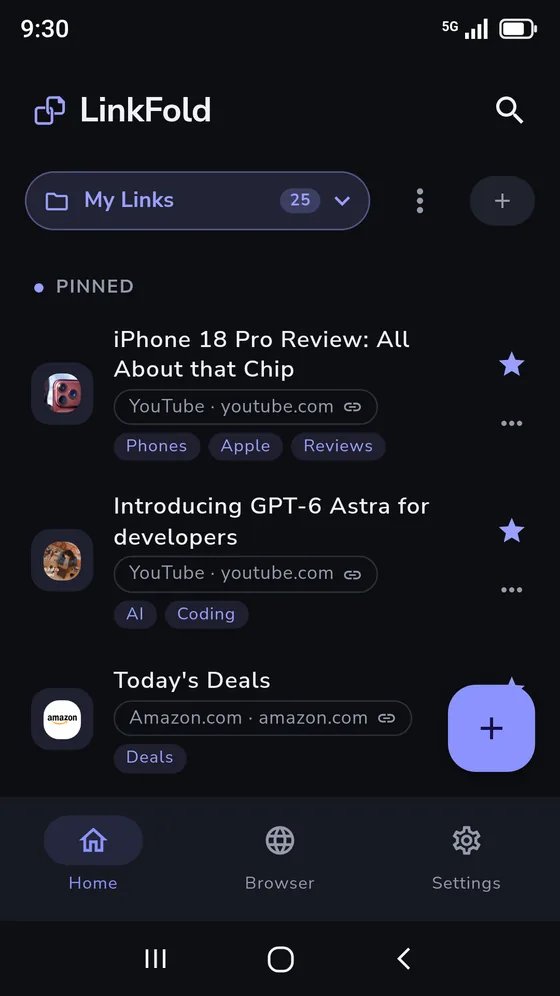
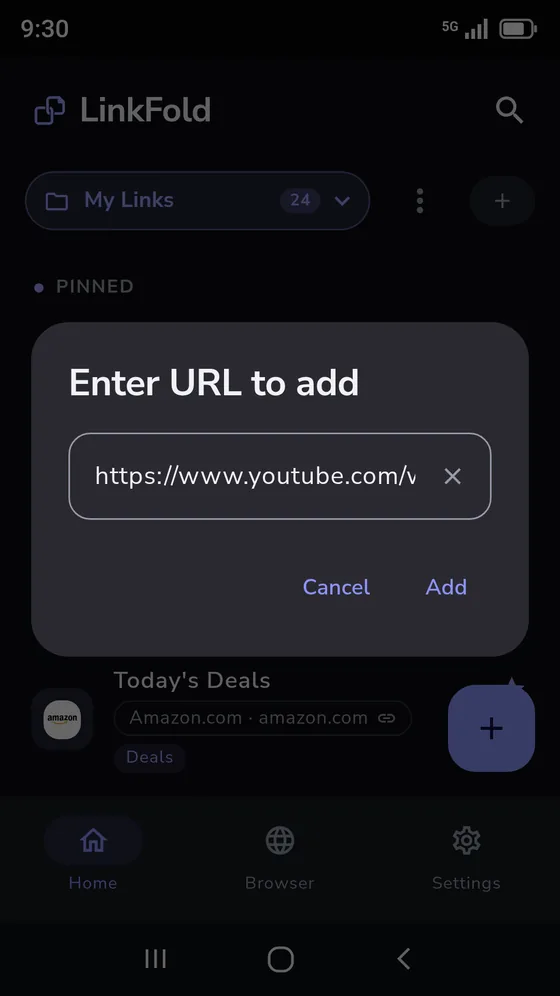
Share a link in from any app, paste a URL, or find the page in the built-in browser. The title and site icon fill themselves in.

Lists, not folders

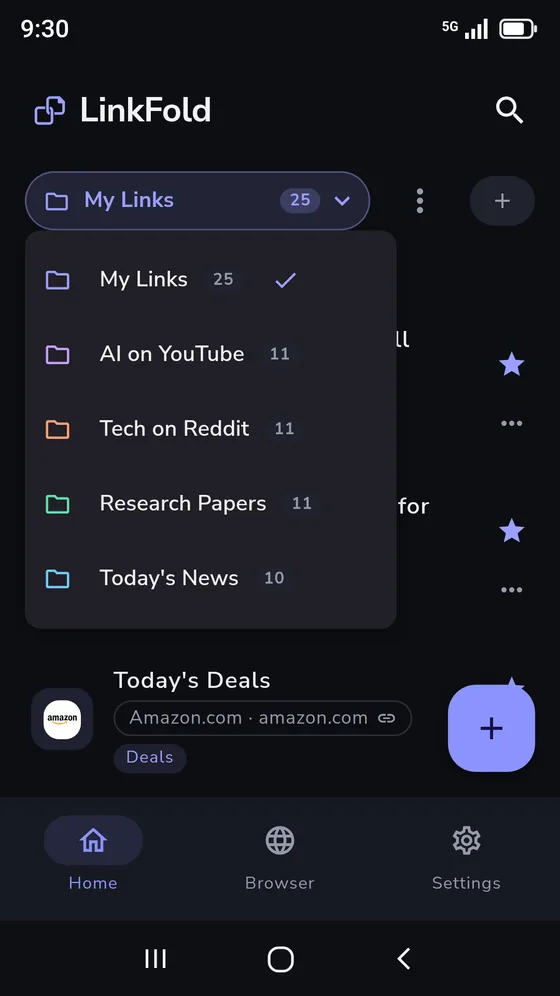
Pin what matters to the top, drag anything into the order you want, and archive the rest without deleting it.

Search everything at once

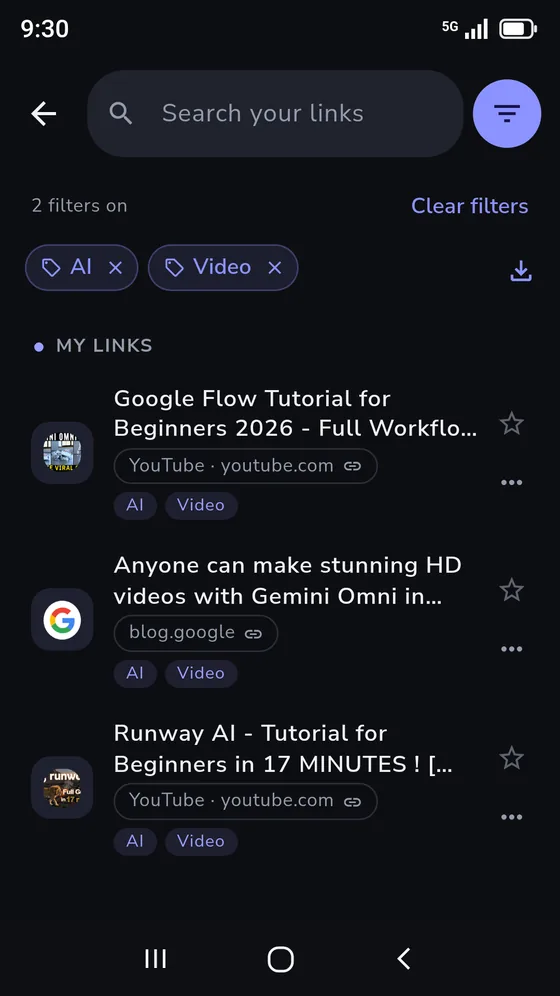
One field across every list, matching titles, addresses and your own notes, with results grouped by the list they live in.

Reminders on a link

Set a notification on any link, at a time you choose, with your own message. Scheduled on the device and free for everyone.

Local-first privacy

No account and no sync. Your links, notes and lists stay in private storage on your device and are never uploaded to us.

The built-in LinkFold browser on the TED home page, with Add and the target list beside the address bar
Built-in browser

Find the page,
then keep it.

Most links worth saving start as a search. LinkFold has its own browser so the whole trip—search, read, save—happens without leaving the app or copying an address between two of them.
  • Search or go, from one barType an address to go there, or anything else to search with the engine you picked in settings.
  • Add saves the page you’re onNot the search you typed. The add sheet opens with the title, address and icon already pulled from that page.
  • Step through a list without leavingSwipe the page to move to the next saved link in your list, or turn on a previous/next pair if you would rather tap.
  • Open links your wayChoose whether a tapped link opens here, in your default browser, or in the app that claims it.
A look inside

Built around
one tap.

Choose your pace

Free where it counts.
More room with Plus.

LinkFold is free to download and use. Plus is available as an annual subscription or a one-time lifetime purchase from the Google Play Store or the App Store.

LinkFold

Free

The whole point of the app, at no cost.

  • One list, unlimited links
  • Unlimited home screen widgets
  • Save links from any app
  • Pin, reorder and search
  • Notes, emoji icons and reminders
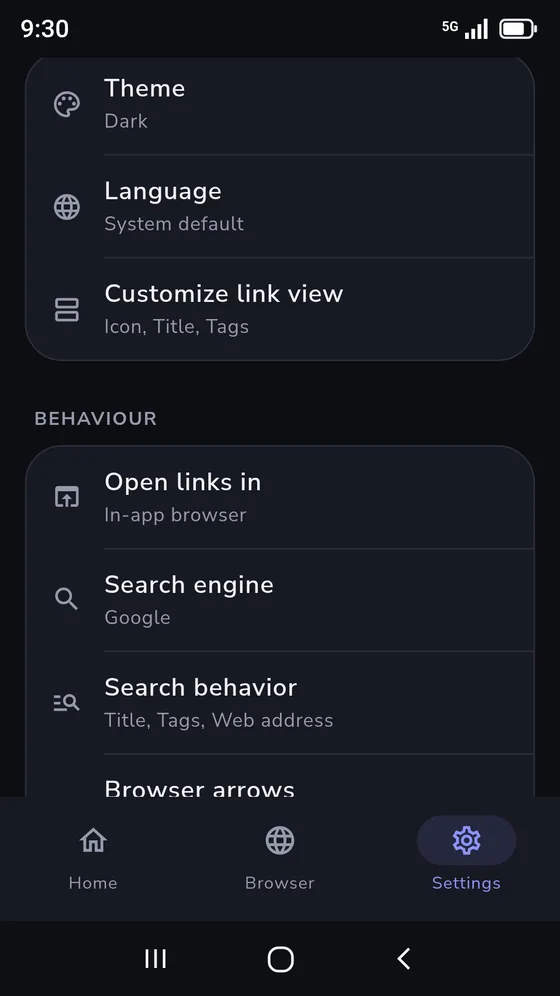
  • Themes, app lock and CSV export
MORE ROOM TO SORTLinkFold

Plus

Upgrade for multiple lists, easy backups, and the link archive.

  • Unlimited lists
  • Archive links without deleting them
  • Back up every list, link and note
  • Restore on any device
  • Priority support and new features